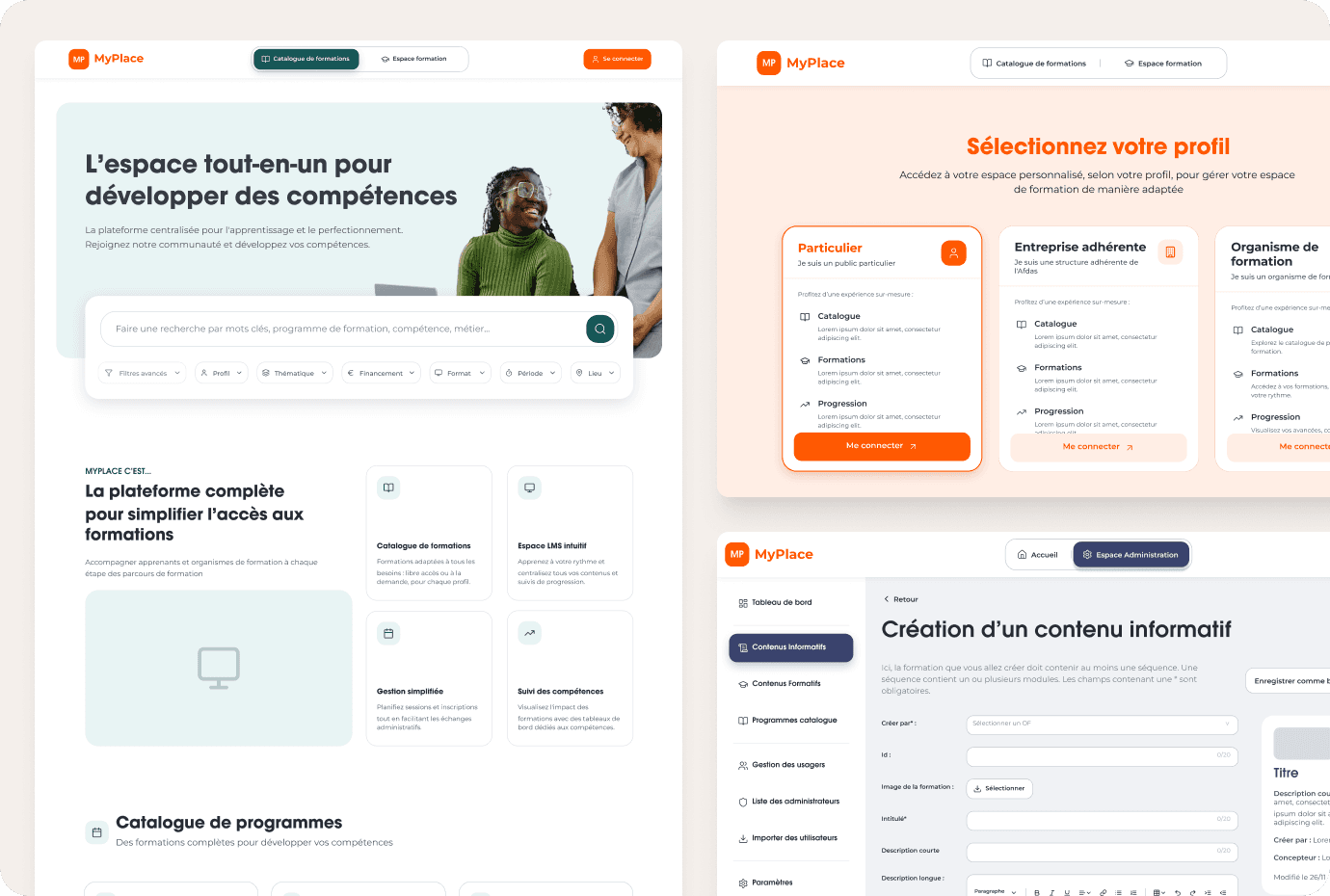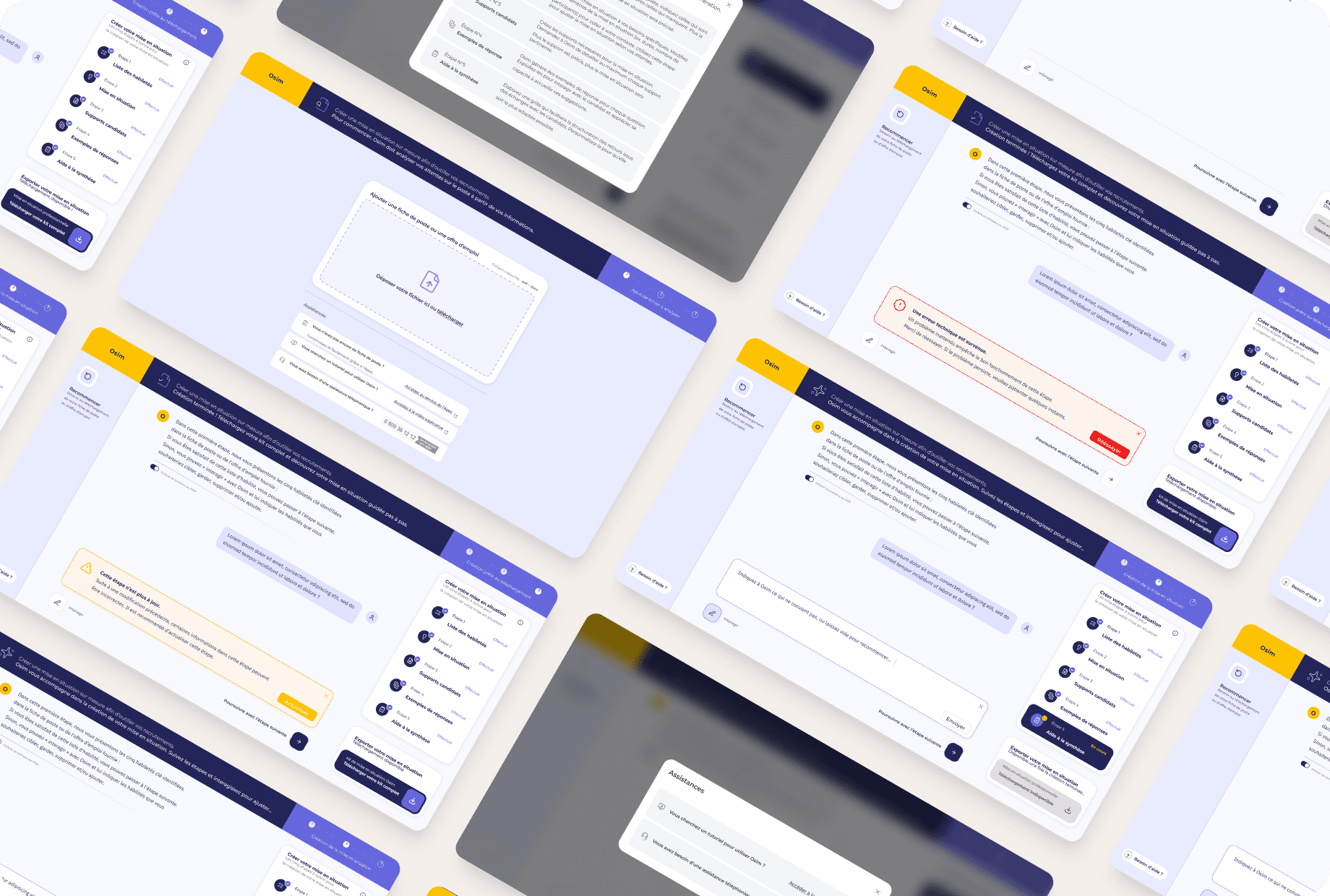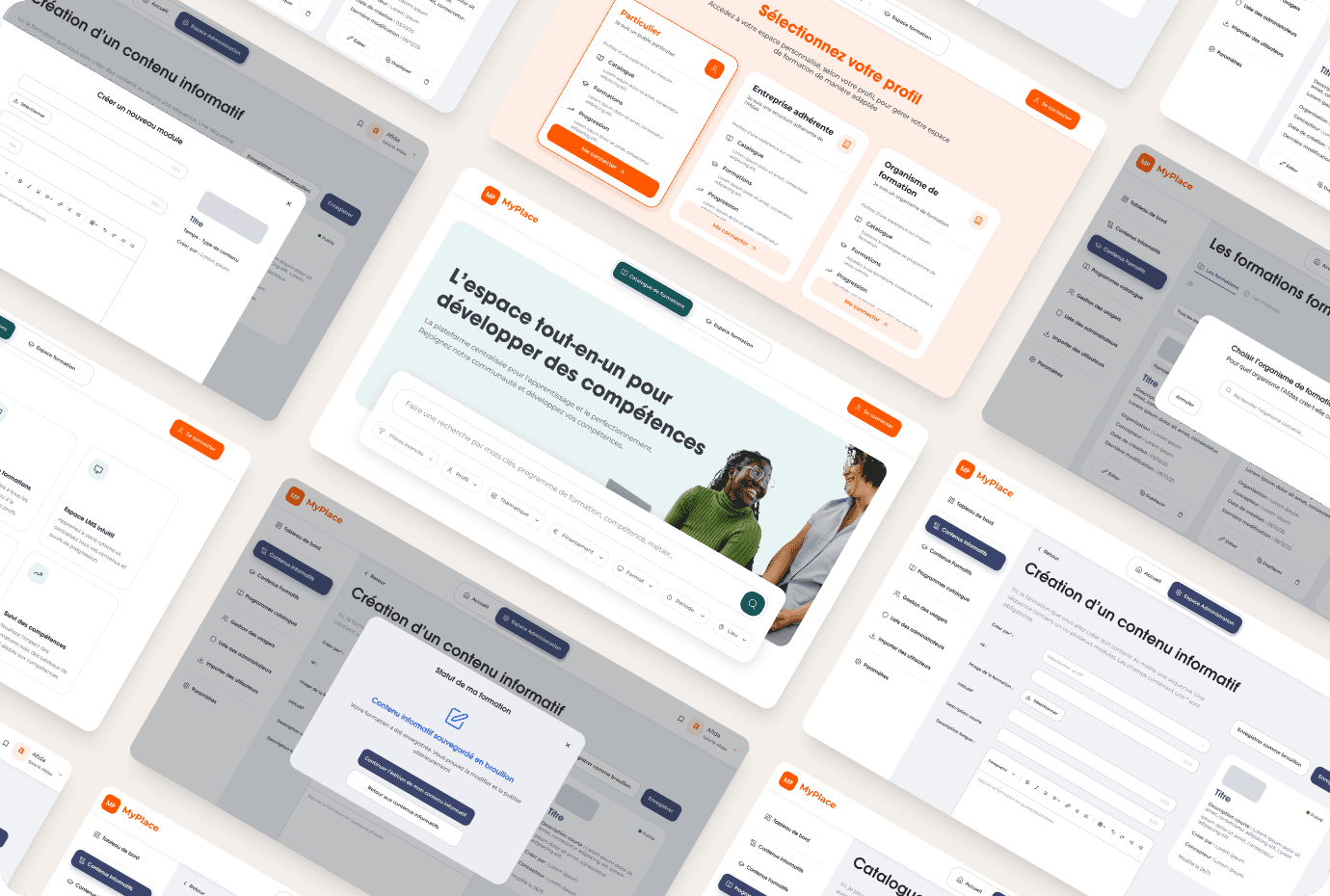
Understanding the Ecosystem
MyPlace is a platform currently being developed for Afdas, the skills operator for the culture, creative industries, media and leisure sectors.
It aims to centralise access to vocational training and simplify interactions between the different actors in the system: beneficiaries, member companies, training providers and Afdas administrators.
Prior to MyPlace, these actors had to navigate between multiple tools and administrative processes to search for, manage or publish training, resulting in a fragmented and complex experience.
The objective of the project is therefore to design a unified platform to streamline access, management and monitoring of training.
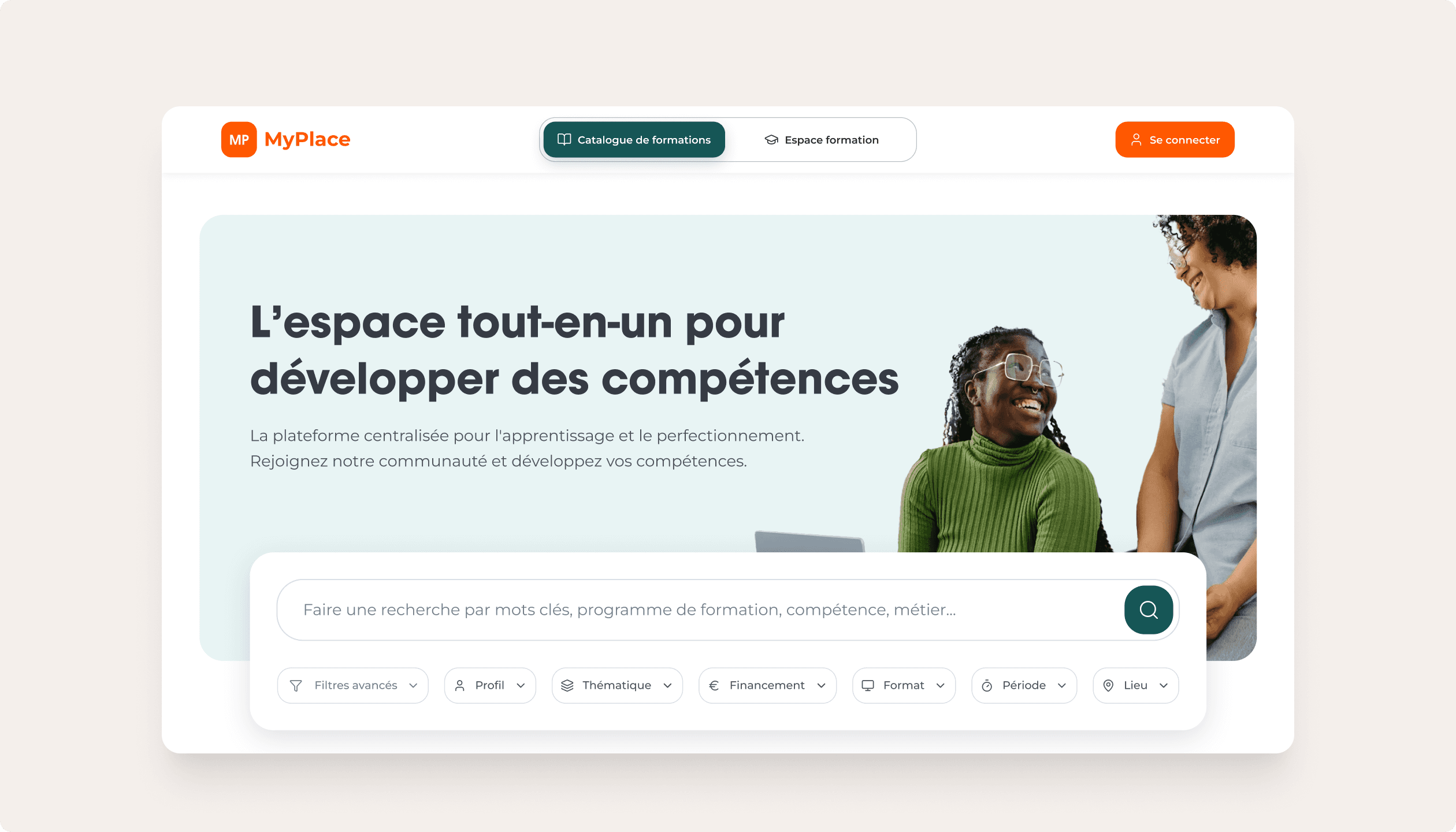
Different needs for different stakeholders
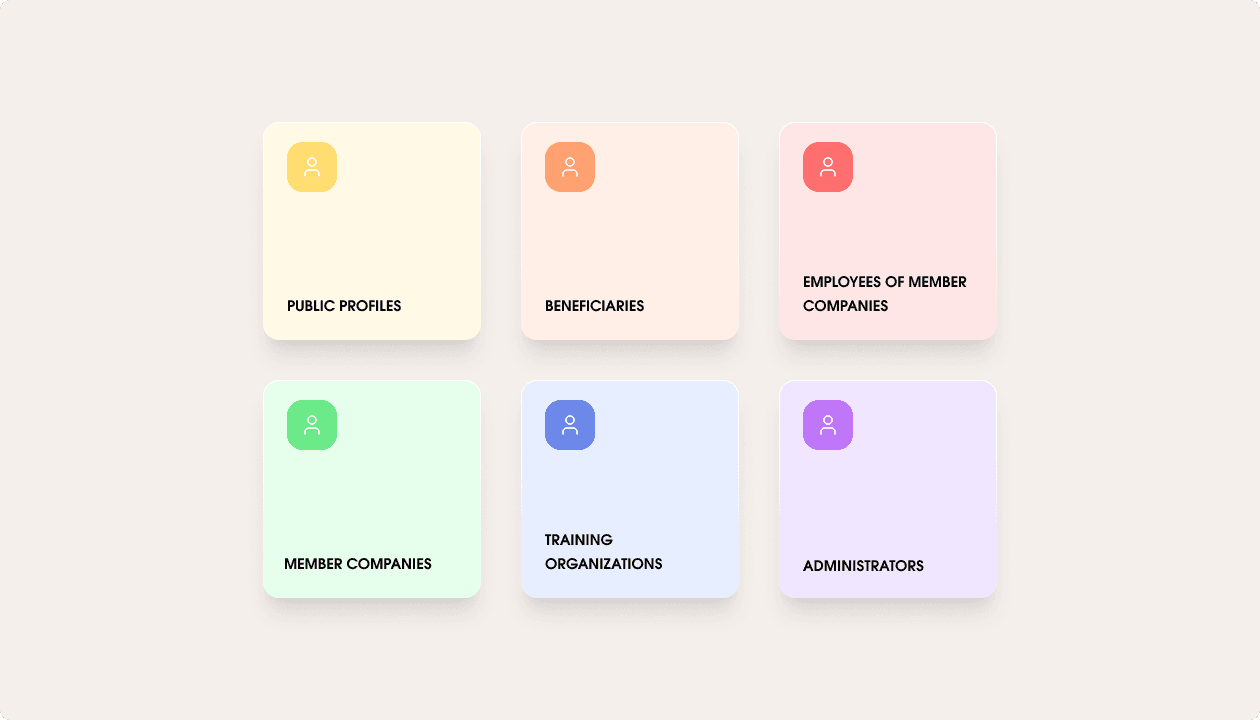
The platform must meet the needs of several types of users, each with specific objectives and pathways:
Beneficiaries, wishing to discover and follow training courses
Employees of member companies, accessing the training courses offered
Companies, seeking to monitor the progress of their employees
Training organisations, responsible for creating and managing educational content
Afdas administrators, responsible for validating and supervising training courses
This diversity of stakeholders requires the design of a product capable of structuring interconnected pathways while ensuring a simple and clear experience for everyone.
Understanding Interactions
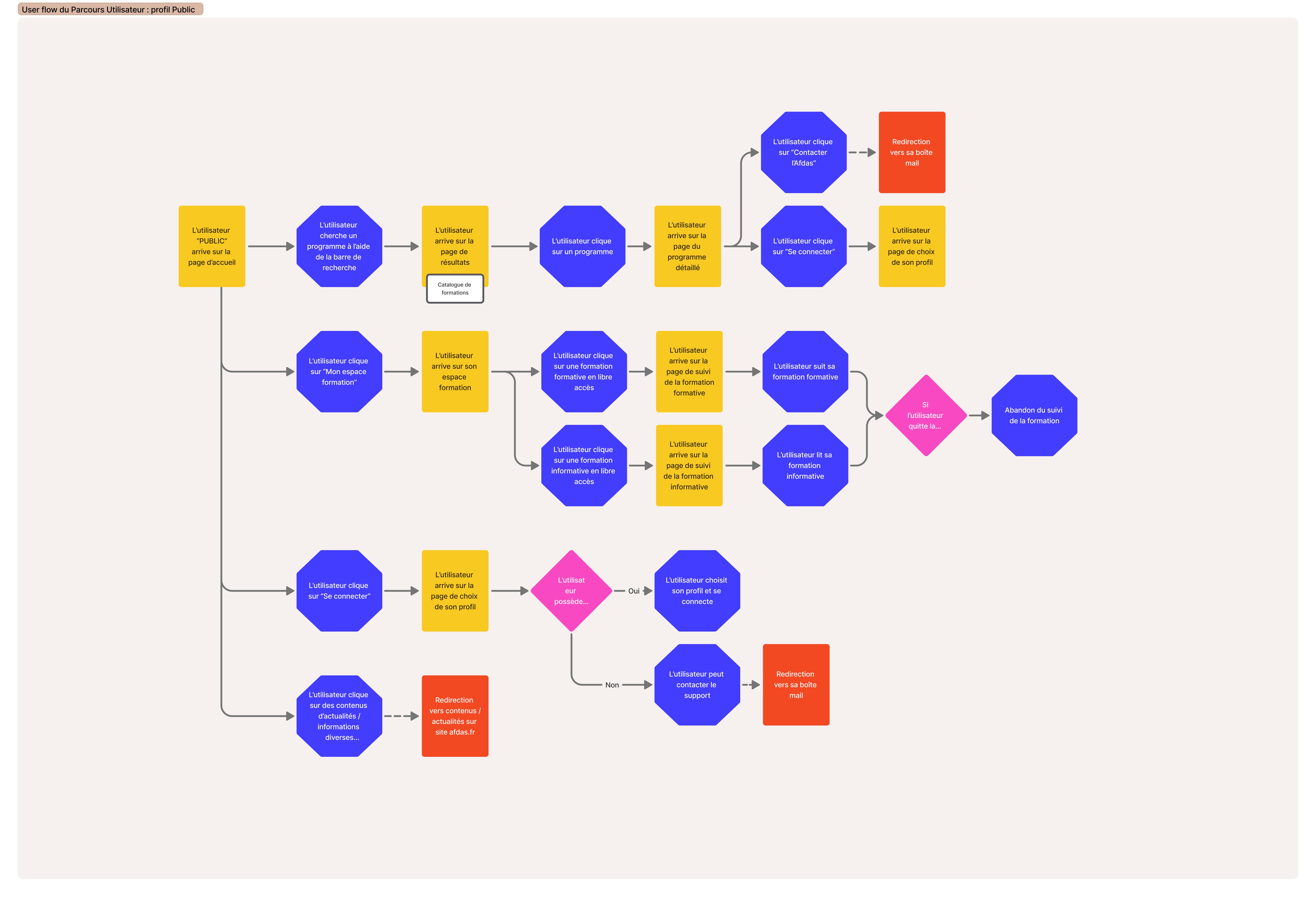
Based on user interviews and discussions with the Afdas teams, we mapped out the various journeys to better understand the interactions between the platform's actors.
This step helped to:
Visualise the key steps of the training journey
Identify points of dependency between the different profiles
Highlight the complexity of flows related to validations and content management
The platform must therefore support several main journeys:
Search for and discover training courses
Consult programmes and educational content
Apply for or register for a training course
Track the progress of a training course
Manage and publish educational content
Structuring a multi-role product
In view of the diversity of stakeholders involved, the design of MyPlace required defining a clear architecture to organise functionalities according to user roles.
Each profile needed to access only the features corresponding to their needs while remaining integrated within a common ecosystem.
The platform is thus structured around several main areas:
Training catalogue allowing for the discovery of programmes
Training space dedicated to monitoring training courses and pedagogical content
Dashboards to track activity and progress
Administration interfaces designed for the management and validation of content
Identify friction points
The analysis of user paths, combined with interviews conducted with the various profiles and discussions with the Afdas teams, highlighted several major friction points.
A fragmented experience
Users had to navigate between multiple tools and interfaces to accomplish a single task, making the paths long and confusing.
A lack of visibility on statuses
Both beneficiaries and companies had difficulty understanding the progress status of requests (registration, validation, follow-up), generating uncertainty.
Strong dependencies between actors
The paths rely on interactions between several profiles (organisations, Afdas, companies), creating blockages and delays when certain stages are not clearly identified.
Significant administrative complexity
The processes related to training (validation, publication, follow-up) involve many steps, which are often perceived as cumbersome and unintuitive.
Heterogeneous needs depending on profiles
Each actor has different objectives, making it difficult to design an experience that is both complete and simple.
Translating insights into solutions
Based on the identified issues, we designed initial solutions aimed at simplifying user journeys and clarifying interactions between the different stakeholders.
The goal was to offer an experience that was:
more seamless
more legible
tailored to each profile
This phase resulted in the design of wireframes to structure the key screens and journeys of the platform.
Structuring the main journeys
Several key journeys were defined and prioritised:
Search for and discover a training course
View a detailed programme
Register or submit a request
Track the progress of a training course
Manage and publish educational content
These journeys served as the basis for designing a consistent and cohesive experience across the platform.
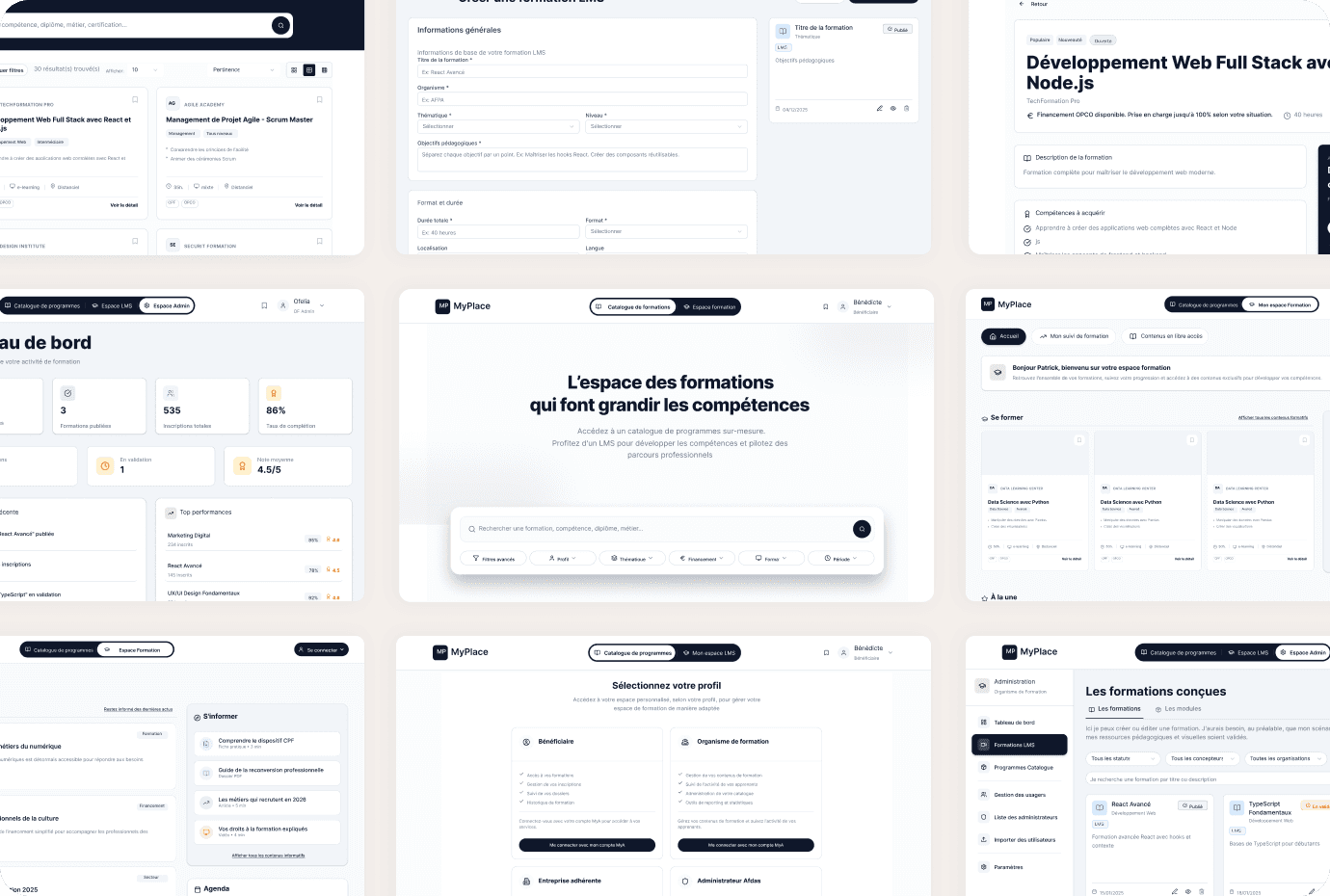
Different interfaces according to roles
Each type of user has an interface suited to their needs:
beneficiaries access a space focused on discovery and monitoring
companies have management dashboards
training organisations manage their educational content
Afdas administrators supervise and validate training sessions
Overall visual consistency
Despite the diversity of the interfaces, particular attention was paid to:
consistency of components
readability of information
simplicity of interactions